
Toshiba Photocopiers & Printers Office e-STUDIO Range.
We sell more Toshiba 2525ACs than any other model: it is our robust A3 choice for small to medium print volumes and finishing options. If you do not need A3 or automated finishing, we usually recommend the faster, more compact and generally cheaper 331AC. Both offer Toshiba e-BRIDGE Next workflows. Camelott® is a Toshiba GOLD Partner that supplies, installs and supports both.
Our most-sold Toshiba and our best all-round pick.
We sell more 2525ACs than any other Toshiba model, but recommend the 331AC most often when A3 is not required. That is a real buying choice: pay for the size and finishing you will use, not simply the faster-looking specification. The cards below give model-by-model speed, feeder, media and cloud-app information.
Toshiba e-STUDIO 2525AC
Our best-selling Toshiba. We use the 2525AC for small to medium print volumes when A3, a robust machine and the option of integrated stapling or booklet finishing matter. It prints at 25ppm; a single-pass feeder is available as an option.
View Toshiba 2525AC →Toshiba e-STUDIO 331AC
Our best all-round recommendation when A3 is unnecessary. The 331AC is faster at 33ppm, has a standard single-pass feeder and offers the familiar e-BRIDGE Next workflows in a smaller, usually less costly machine. It does not have integrated stapling or folding; an offline stapler is optional.
View Toshiba 331AC →How to read the specifications: Paper weight is the highest supported via the listed feed path, often the bypass; cassettes and two-sided printing may have lower limits. Google and Microsoft 365 app support refers specifically to optional on-device e-BRIDGE Plus connectors. Printing from a computer and scanning to a configured email address are separate functions. A single-pass feeder may be optional. Photos show example configurations; trays and finishers can differ from the machine we quote.
Current A3 Colour Multifunction Printers.
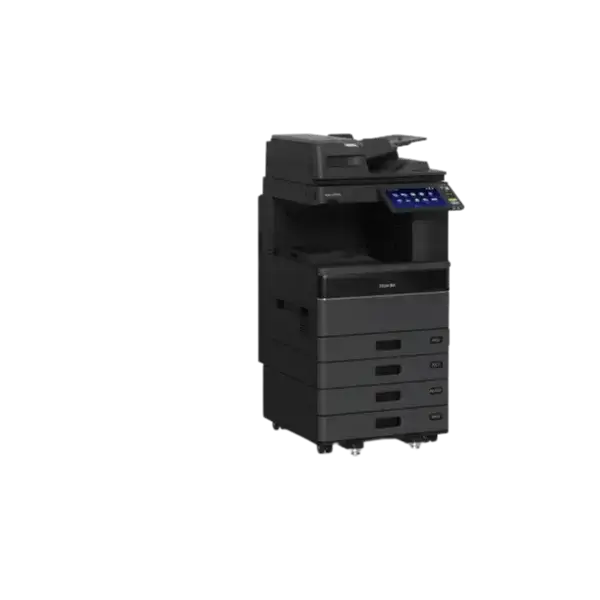
e-STUDIO 2525AC
A3 colour multifunction printer for everyday office print, copy and scan workflows.
- A4 speed25 ppm
- Single-pass scanSingle-pass DSDF optional
- Max paper weightUp to 300 gsm (bypass)
- Cloud appsOptional e-BRIDGE Plus apps for Google Drive and Microsoft 365 services; confirm model, licence and firmware

e-STUDIO 3025AC
A3 colour multifunction printer for busier shared-office environments.
- A4 speed30 ppm
- Single-pass scanSingle-pass DSDF optional
- Max paper weightUp to 300 gsm (bypass)
- Cloud appsOptional e-BRIDGE Plus apps for Google Drive and Microsoft 365 services; confirm model, licence and firmware
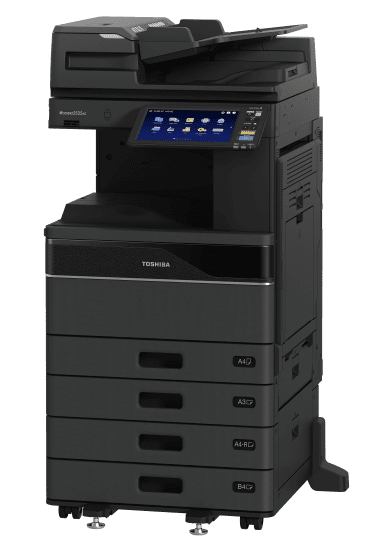
e-STUDIO 3525AC
A3 colour multifunction printer for medium-to-busy office workloads.
Also referenced as 3525ACG- A4 speed35 ppm
- Single-pass scanSingle-pass DSDF optional
- Max paper weightUp to 300 gsm (bypass)
- Cloud appsOptional e-BRIDGE Plus apps for Google Drive and Microsoft 365 services; confirm model, licence and firmware
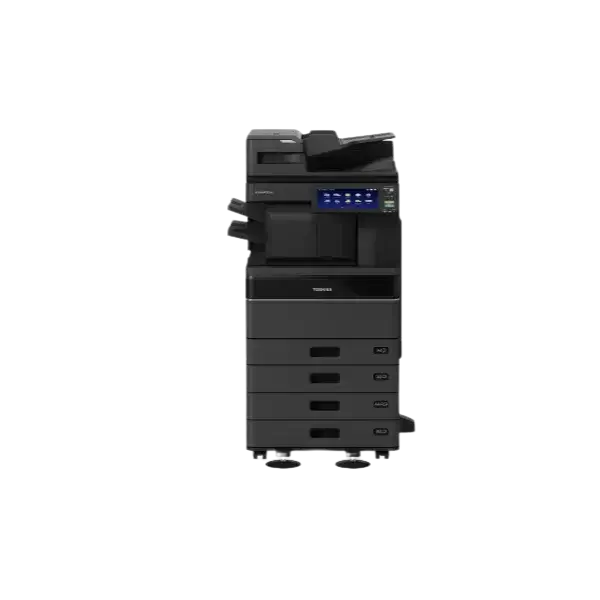
e-STUDIO 4525AC
Higher-speed A3 colour multifunction printing for busy departments.
- A4 speed45 ppm
- Single-pass scanSingle-pass DSDF optional
- Max paper weightUp to 300 gsm (bypass)
- Cloud appsOptional e-BRIDGE Plus apps for Google Drive and Microsoft 365 services; confirm model, licence and firmware
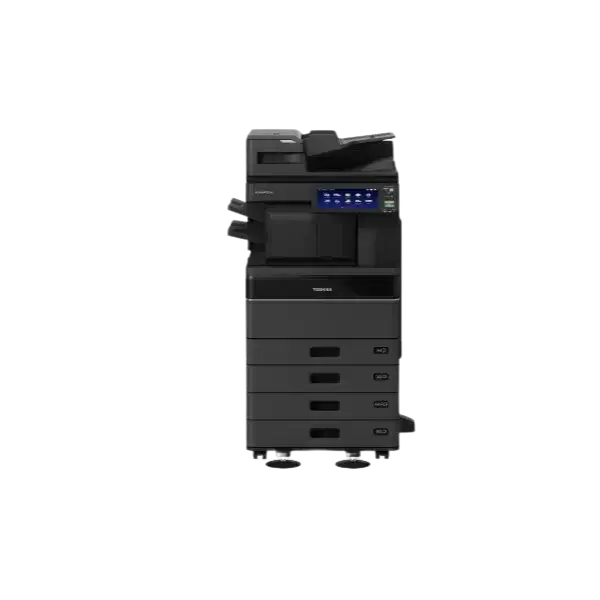
e-STUDIO 5525AC
High-volume A3 colour multifunction output for demanding workgroups.
- A4 speed50 ppm
- Single-pass scanSingle-pass DSDF optional
- Max paper weightUp to 300 gsm (bypass)
- Cloud appsOptional e-BRIDGE Plus apps for Google Drive and Microsoft 365 services; confirm model, licence and firmware
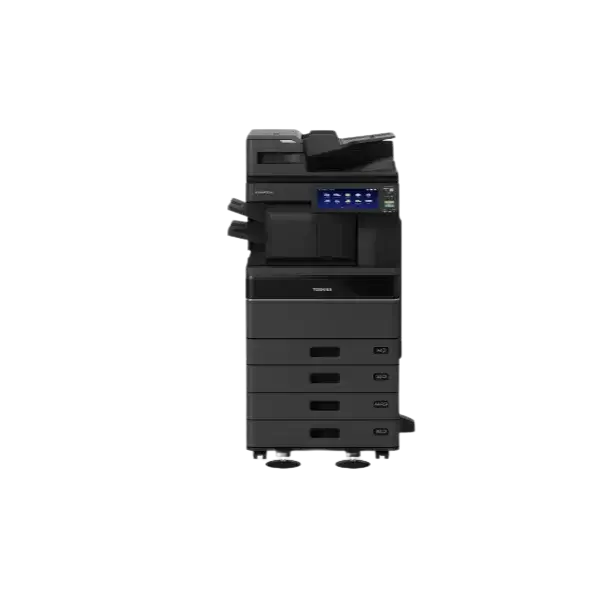
e-STUDIO 6525AC
High-performance A3 colour multifunction printing for substantial departmental workloads.
- A4 speed65 ppm
- Single-pass scanSingle-pass DSDF optional
- Max paper weightUp to 300 gsm (bypass)
- Cloud appsOptional e-BRIDGE Plus apps for Google Drive and Microsoft 365 services; confirm model, licence and firmware
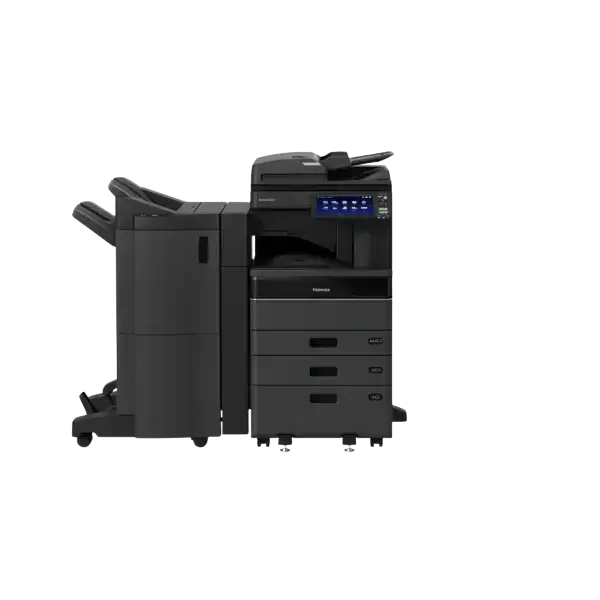
e-STUDIO 2520AC
A3 colour multifunction device for professional office document workflows.
- A4 speed25 ppm
- Single-pass scanReversing feeder optional; no single-pass option listed
- Max paper weightUp to 209 gsm (bypass)
- Cloud appsOptional e-BRIDGE Plus apps for Google Drive and Microsoft 365 services; confirm model, licence and firmware
Earlier A3 Colour e-STUDIO Range.
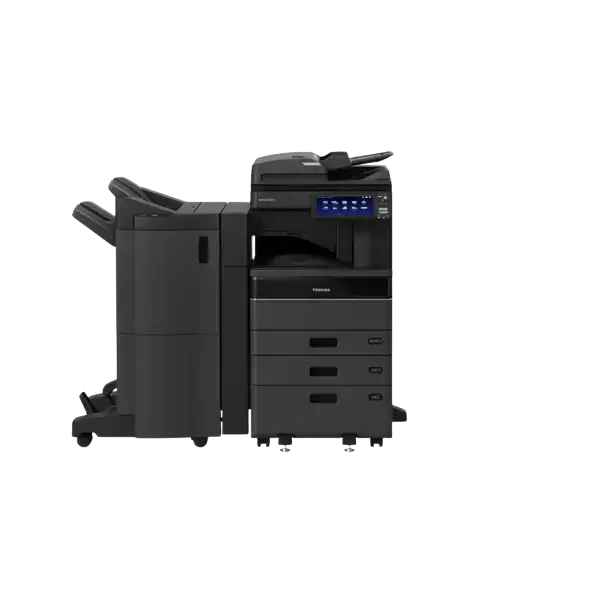
e-STUDIO 2510AC
A3 colour multifunction platform for general office printing, copying and scanning.
- A4 speed25 ppm
- Single-pass scanCheck fitted feeder
- Max paper weightCheck exact configuration
- Cloud appsOptional e-BRIDGE Plus apps for Google Drive and Microsoft 365 services; confirm model, licence and firmware
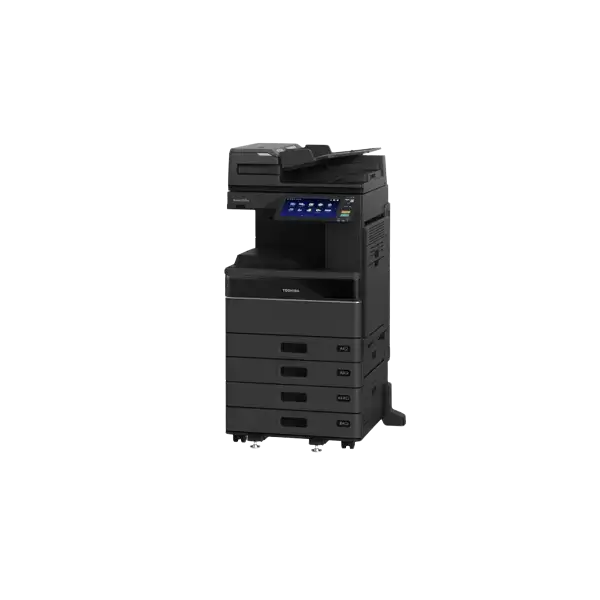
e-STUDIO 2515AC
A3 colour MFP for shared office and workgroup document production.
- A4 speed25 ppm
- Single-pass scanSingle-pass DSDF optional
- Max paper weightUp to 280 gsm (bypass)
- Cloud appsOptional e-BRIDGE Plus apps for Google Drive and Microsoft 365 services; confirm model, licence and firmware
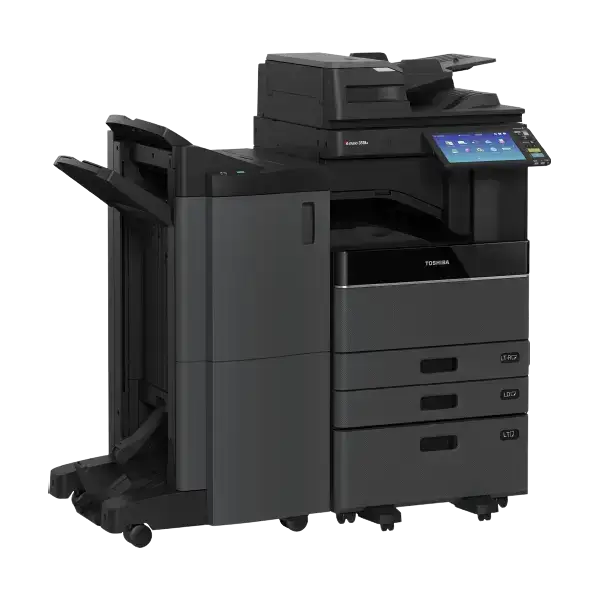
e-STUDIO 3015AC
A3 colour multifunction system for medium-volume office workloads.
Also referenced as 3015ACG- A4 speed30 ppm
- Single-pass scanSingle-pass DSDF optional
- Max paper weightUp to 280 gsm (bypass)
- Cloud appsOptional e-BRIDGE Plus apps for Google Drive and Microsoft 365 services; confirm model, licence and firmware
e-STUDIO 3515AC
A3 colour multifunction device for busier office teams.
- A4 speed35 ppm
- Single-pass scanSingle-pass DSDF optional
- Max paper weightUp to 280 gsm (bypass)
- Cloud appsOptional e-BRIDGE Plus apps for Google Drive and Microsoft 365 services; confirm model, licence and firmware
e-STUDIO 4515AC
Faster A3 colour multifunction output for departmental use.
- A4 speed45 ppm
- Single-pass scanSingle-pass DSDF optional
- Max paper weightUp to 280 gsm (bypass)
- Cloud appsOptional e-BRIDGE Plus apps for Google Drive and Microsoft 365 services; confirm model, licence and firmware
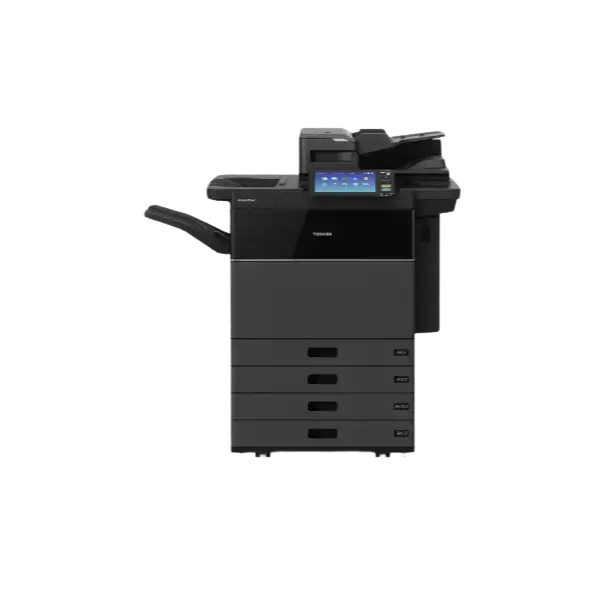
e-STUDIO 7516AC
High-speed A3 colour multifunction system for demanding workloads.
- A4 speed75 colour / 85 mono ppm
- Single-pass scanSingle-pass DSDF
- Max paper weightUp to 300 gsm (bypass)
- Cloud appsOptional e-BRIDGE Plus apps for Google Drive and Microsoft 365 services; confirm model, licence and firmware
Compact Colour Printers & Multifunction Devices.
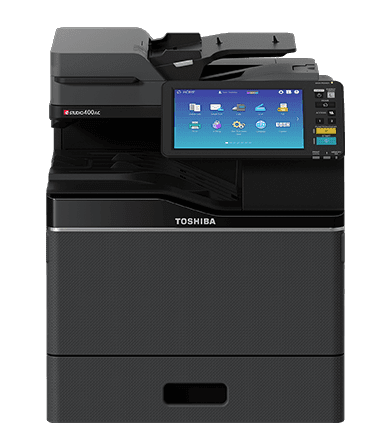
e-STUDIO 330AC
Compact colour multifunction device for A4 office printing, scanning and copying.
- A4 speed33 ppm
- Single-pass scanSingle-pass DSDF
- Max paper weightUp to 256 gsm (bypass)
- Cloud appsOptional e-BRIDGE Plus apps for Google Drive and Microsoft 365 services; confirm model, licence and firmware
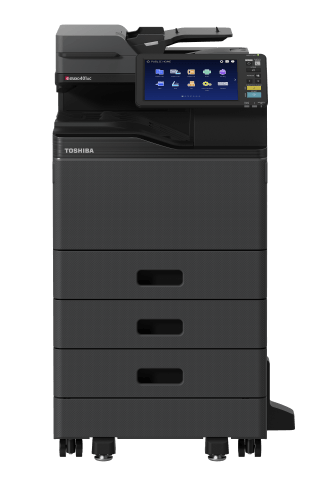
e-STUDIO 331AC
Compact A4 colour multifunction printer for shared workgroups.
- A4 speed33 ppm
- Single-pass scanSingle-pass DSDF
- Max paper weightUp to 256 gsm (bypass)
- Cloud appsOptional e-BRIDGE Plus apps for Google Drive and Microsoft 365 services; confirm model, licence and firmware
e-STUDIO 400AC
Higher-speed compact colour multifunction device for busy A4 offices.
- A4 speed40 ppm
- Single-pass scanSingle-pass DSDF
- Max paper weightUp to 256 gsm (bypass)
- Cloud appsOptional e-BRIDGE Plus apps for Google Drive and Microsoft 365 services; confirm model, licence and firmware
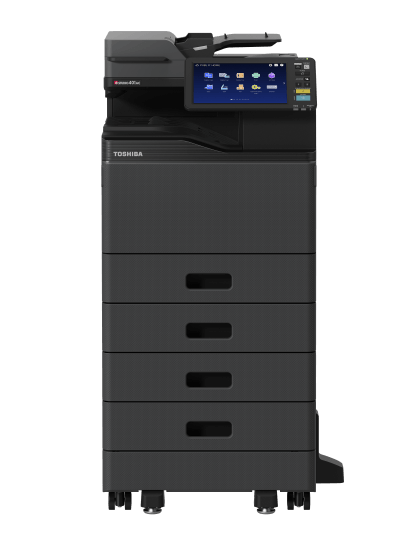
e-STUDIO 401AC
Compact A4 colour multifunction system for professional workgroups.
- A4 speed40 ppm
- Single-pass scanSingle-pass DSDF
- Max paper weightUp to 256 gsm (bypass)
- Cloud appsOptional e-BRIDGE Plus apps for Google Drive and Microsoft 365 services; confirm model, licence and firmware
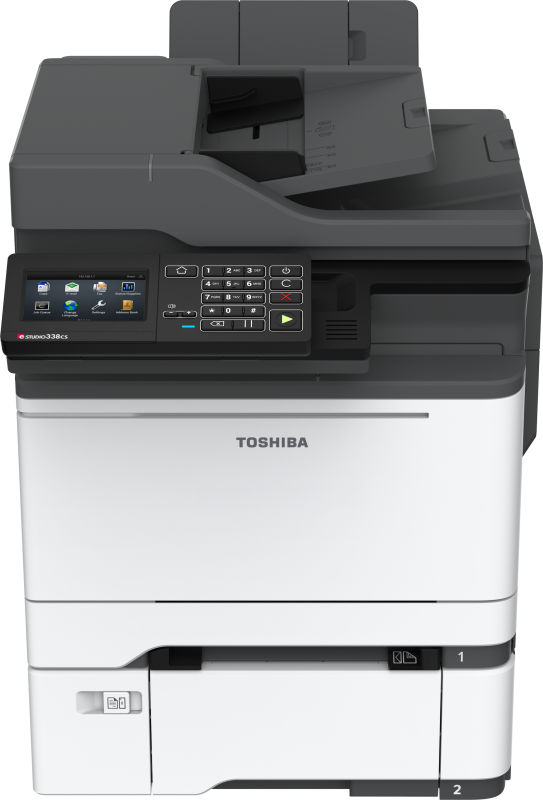
e-STUDIO 338CS
Compact colour multifunction device for everyday business workflows.
- A4 speed33 ppm
- Single-pass scanReversing feeder; not single-pass
- Max paper weightUp to 176 gsm (bypass)
- Cloud appsNo e-BRIDGE Plus Google/Microsoft apps listed for this model
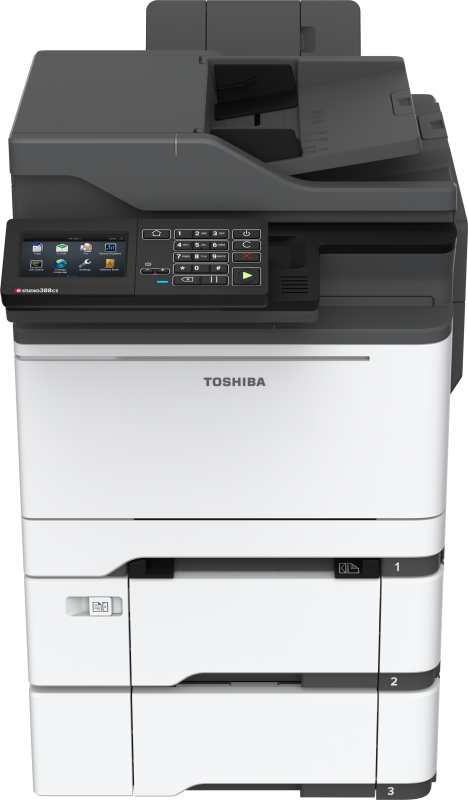
e-STUDIO 388CS
Colour multifunction printer for busier A4 workgroups.
- A4 speed38 ppm
- Single-pass scanSingle-pass DSDF (confirm fitted feeder)
- Max paper weightUp to 176 gsm (bypass)
- Cloud appsNo e-BRIDGE Plus Google/Microsoft apps listed for this model
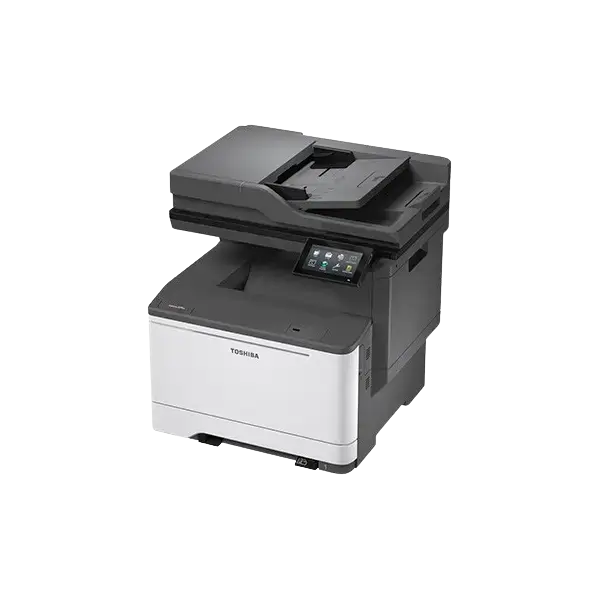
e-STUDIO 339CS
A4 colour multifunction device for shared office print, copy and scan tasks.
- A4 speed33 ppm
- Single-pass scanSingle-pass DSDF
- Max paper weightUp to 216 gsm (bypass)
- Cloud appsNo e-BRIDGE Plus Google/Microsoft apps listed for this model
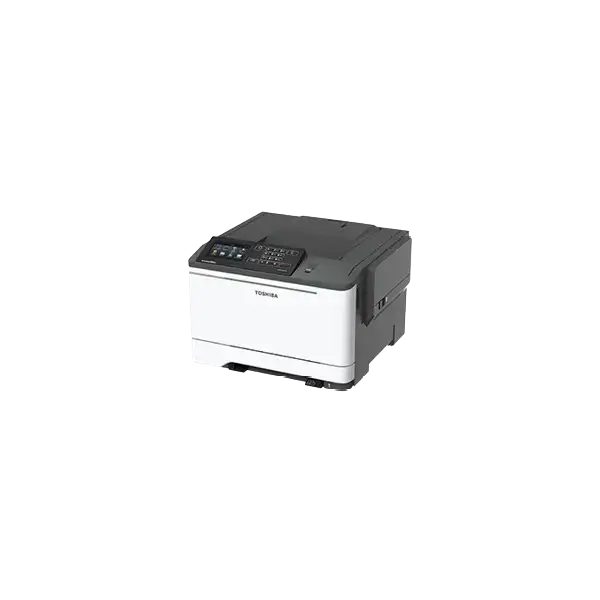
e-STUDIO 388CP
Compact colour printer for business workgroups that only need print output.
- A4 speed38 ppm
- Single-pass scanPrint only; no feeder
- Max paper weightUp to 176 gsm (bypass)
- Cloud appsNo e-BRIDGE Plus Google/Microsoft apps listed for this model
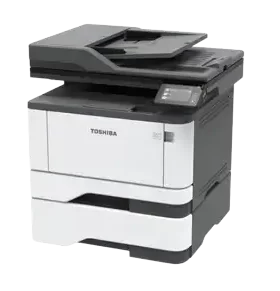
e-STUDIO 409CS
A4 colour multifunction device for office print, copy and scan workflows.
- A4 speed40 ppm
- Single-pass scanSingle-pass DSDF
- Max paper weightUp to 216 gsm (bypass)
- Cloud appsNo e-BRIDGE Plus Google/Microsoft apps listed for this model
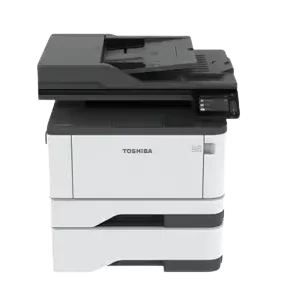
e-STUDIO 409CP
A4 colour business printer for workgroup document output.
- A4 speed40 ppm
- Single-pass scanPrint only; no feeder
- Max paper weightUp to 216 gsm (bypass)
- Cloud appsNo e-BRIDGE Plus Google/Microsoft apps listed for this model
A3 Mono Multifunction Printers.
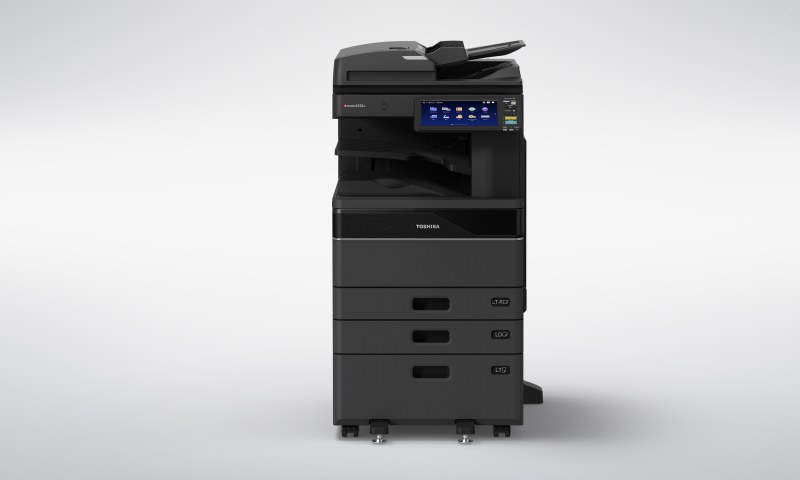
e-STUDIO 2528A
A3 mono multifunction device for everyday office printing, copying and scanning.
- A4 speed25 ppm
- Single-pass scanSingle-pass DSDF optional
- Max paper weightUp to 256 gsm (bypass)
- Cloud appsOptional e-BRIDGE Plus apps for Google Drive and Microsoft 365 services; confirm model, licence and firmware
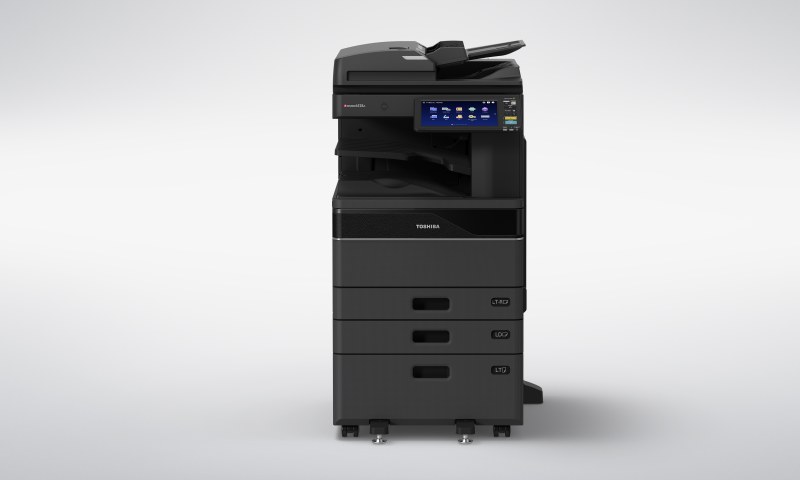
e-STUDIO 3528A
A3 mono multifunction system for medium-to-busy office workflows.
Also referenced as 3528AG- A4 speed35 ppm
- Single-pass scanSingle-pass DSDF optional
- Max paper weightUp to 256 gsm (bypass)
- Cloud appsOptional e-BRIDGE Plus apps for Google Drive and Microsoft 365 services; confirm model, licence and firmware
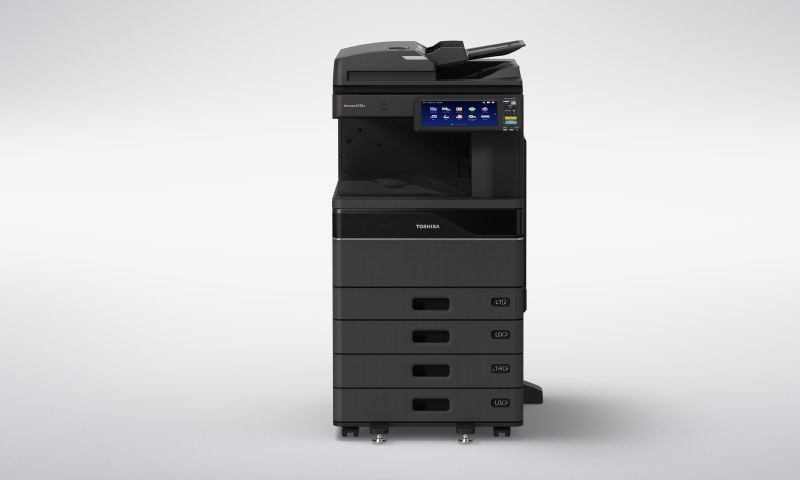
e-STUDIO 4528A
Higher-speed A3 mono multifunction printing for busy departments.
- A4 speed45 ppm
- Single-pass scanSingle-pass DSDF optional
- Max paper weightUp to 256 gsm (bypass)
- Cloud appsOptional e-BRIDGE Plus apps for Google Drive and Microsoft 365 services; confirm model, licence and firmware
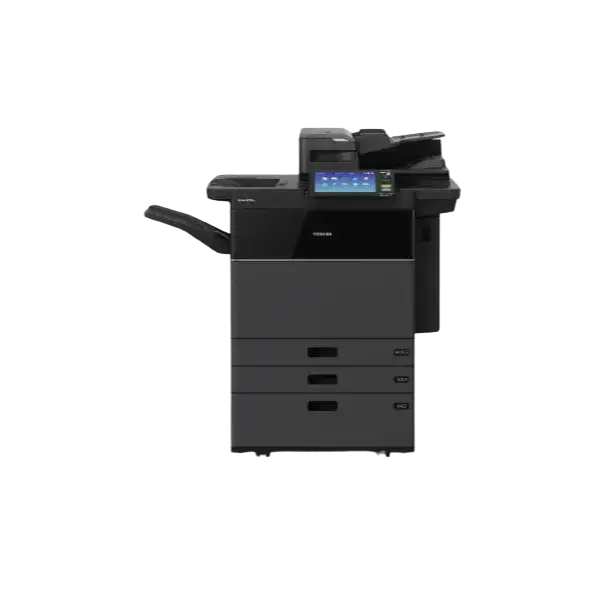
e-STUDIO 5518A
High-volume A3 mono multifunction output for demanding document production.
- A4 speed55 ppm
- Single-pass scanSingle-pass DSDF standard
- Max paper weightUp to 300 gsm (bypass)
- Cloud appsOptional e-BRIDGE Plus apps for Google Drive and Microsoft 365 services; confirm model, licence and firmware
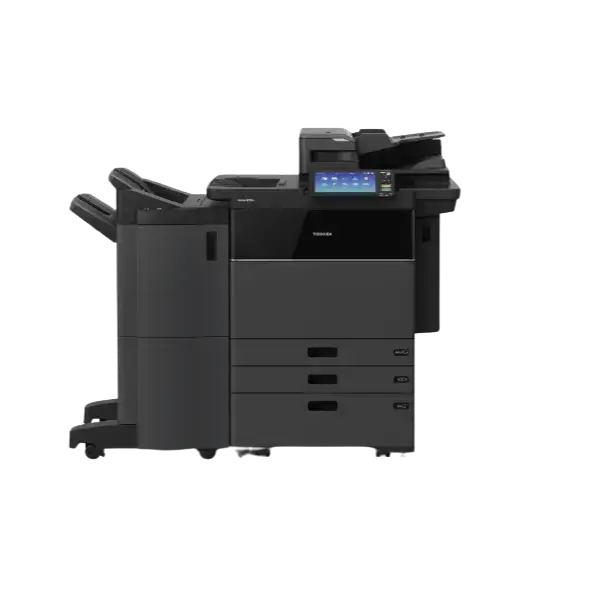
e-STUDIO 6518A
High-speed A3 mono multifunction system for larger departments.
- A4 speed65 ppm
- Single-pass scanSingle-pass DSDF standard
- Max paper weightUp to 300 gsm (bypass)
- Cloud appsOptional e-BRIDGE Plus apps for Google Drive and Microsoft 365 services; confirm model, licence and firmware
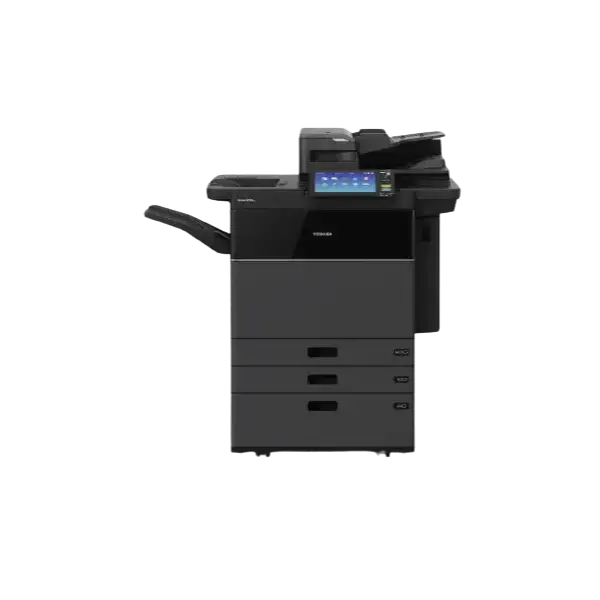
e-STUDIO 7518A
High-capacity A3 mono multifunction printing for substantial workloads.
- A4 speed75 ppm
- Single-pass scanSingle-pass DSDF standard
- Max paper weightUp to 300 gsm (bypass)
- Cloud appsOptional e-BRIDGE Plus apps for Google Drive and Microsoft 365 services; confirm model, licence and firmware
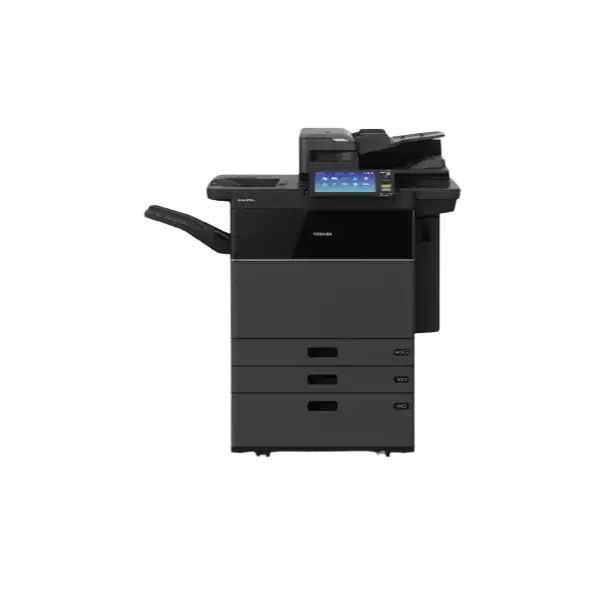
e-STUDIO 8518A
Very high-volume A3 mono multifunction device for demanding environments.
- A4 speed85 ppm
- Single-pass scanSingle-pass DSDF standard
- Max paper weightUp to 300 gsm (bypass)
- Cloud appsOptional e-BRIDGE Plus apps for Google Drive and Microsoft 365 services; confirm model, licence and firmware
Compact Mono Printers & Multifunction Devices.
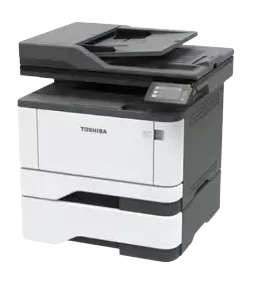
e-STUDIO 409S
Compact mono multifunction device for A4 print, copy and scan workflows.
- A4 speed40 ppm
- Single-pass scanDuplex feeder; single-pass not verified
- Max paper weightUp to 217 gsm (bypass)
- Cloud appsNo e-BRIDGE Plus Google/Microsoft apps listed for this model
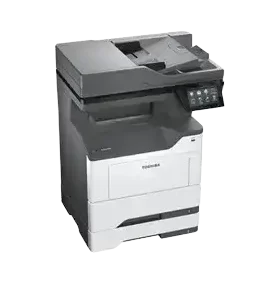
e-STUDIO 448S
A4 mono multifunction printer for busy workgroups.
- A4 speed44 ppm
- Single-pass scanDuplex feeder; single-pass not verified
- Max paper weightUp to 216 gsm (bypass)
- Cloud appsNo e-BRIDGE Plus Google/Microsoft apps listed for this model
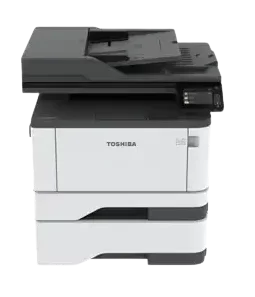
e-STUDIO 409AS
Compact mono multifunction system for shared office use.
- A4 speed40 ppm
- Single-pass scanDuplex feeder; single-pass not verified
- Max paper weightUp to 217 gsm (bypass)
- Cloud appsNo e-BRIDGE Plus Google/Microsoft apps listed for this model
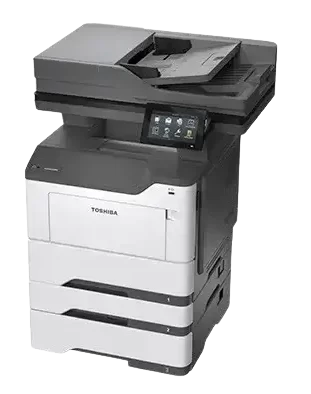
e-STUDIO 449S
A4 mono multifunction device for higher-usage workgroups.
- A4 speed44 ppm
- Single-pass scanDuplex feeder; single-pass not verified
- Max paper weightUp to 216 gsm (bypass)
- Cloud appsNo e-BRIDGE Plus Google/Microsoft apps listed for this model
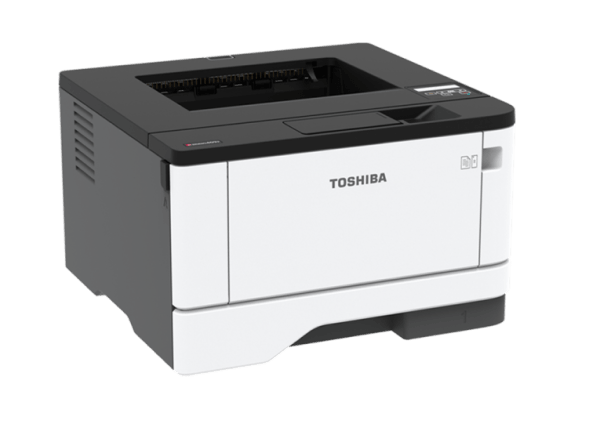
e-STUDIO 409P
A4 mono business printer for teams that only require print output.
- A4 speed40 ppm
- Single-pass scanPrint only; no feeder
- Max paper weightUp to 217 gsm (bypass)
- Cloud appsNo e-BRIDGE Plus Google/Microsoft apps listed for this model
Choose how you want to fund and support the equipment.
We compare the equipment payment separately from service and per-page costs. If an existing lease still has time to run, include its settlement figure before deciding to replace the machine.
Tell us what your workplace actually prints.
Give us your approximate monthly volume, A3 requirement, colour use, scanning needs and whether you want to buy or lease. We can narrow the Toshiba range to models that fit, and explain the full cost before you commit.
Toshiba photocopier questions answered.
Practical answers about buying, leasing and supporting Toshiba e-STUDIO office equipment.
Does Camelott® supply Toshiba photocopiers to buy and lease?
Yes. Camelott® can supply Toshiba office printers and multifunction devices for outright purchase or business leasing, depending on the requirement.
Why do some Toshiba models have slightly different model numbers?
Some Toshiba model numbers include additional suffixes for particular markets or configurations. Where the core machine is the same, we group the relevant information together to make the range easier to compare. If you are unsure which version you need, Camelott® can confirm the appropriate model and specification.
Can Toshiba machines be included in managed print?
Yes. Toshiba devices can be supported through a managed print arrangement covering servicing, support, consumables and ongoing print management.